Remote Support – Sharper Text in Remote Sessions
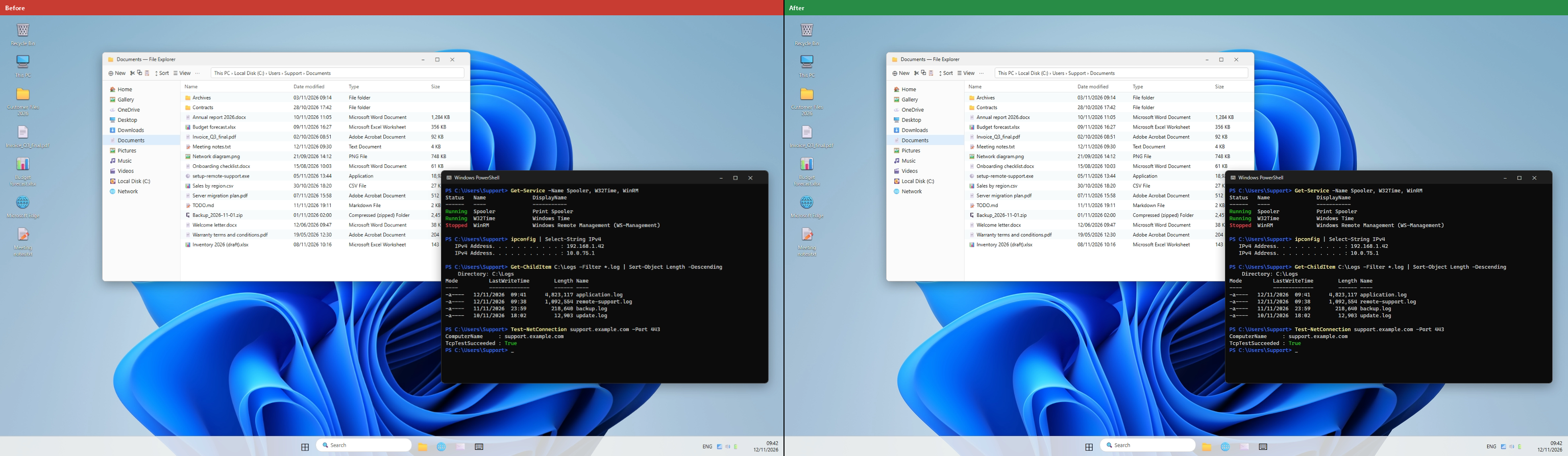
New Remote Support client is out! Text on the remote screen is now much sharper during remote control sessions when using the “Scale to fit“ option (enabled by default). Full changelog below.
Improvements:
Web: added a public Report a scam page that sends scam reports directly to the TSplus support team
Improved text sharpness of the remote screen, when the viewer window is resized ("Scale to fit") and also when a lower video quality is selected
Improved memory management when using direct connection
Windows, macOS, Android: new installations without an account now show an anti-scam warning next to the ID and password, with links to learn more about scams and to report one
Fixes:
Windows: fixed the Unattended section showing "-" instead of the ID in the lite client
Windows: fixed pre-set viewer video quality was not being applied properly to system helper screen capture on session start
Windows: fixed pre-set viewer video quality was being reset on monitor change
Windows: fixed application icon was blinking on sharing side when started by viewer using unattended access
Windows: fixed an unhandled exception that could occur when resizing the viewer window
Have an idea or issue? To ensure your feedback is properly tracked and addressed, please use our dedicated channels: Support for issues and Feedback for feature requests. Thank you for helping us improve!