January 22nd, 2026
Improved
Fixed
Server Monitoring

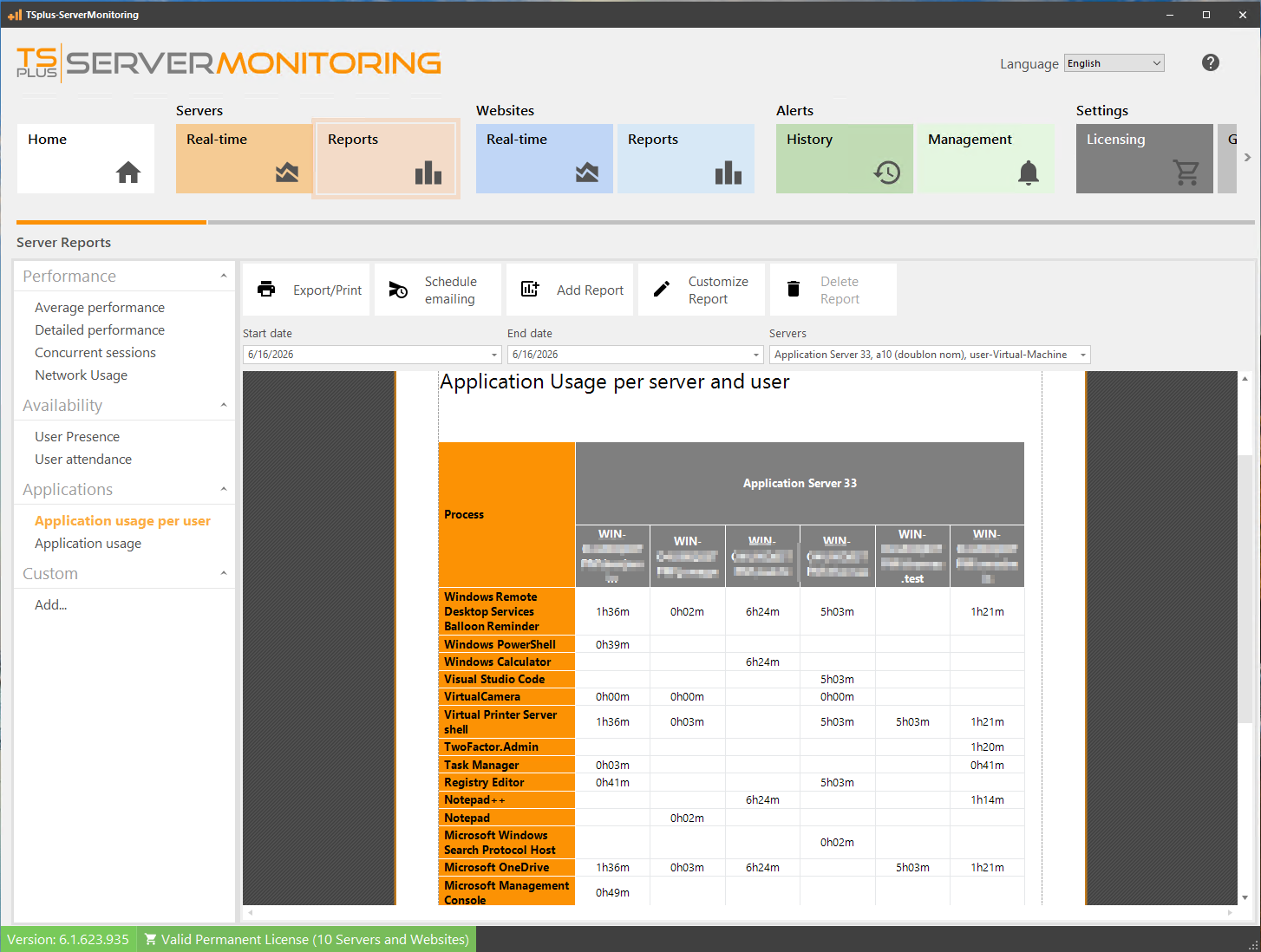
Before this update, the form was labeled “Blacklisted processes”, for processes that customers did not want to see in reports/dashboards.
We are renaming it to reflect that it is a form for selecting monitored processes.
As a reminder, you should use this form to select the processes you are interested in. This will reduce the database size, and improve performance when generating reports or displaying previews of them.
The full changelog of this version can be found below:
Server Monitoring 6.1 includes all improvements and fixes from previous versions
Made monitored processes form clearer
After setup, more unmeaningful processes are now ignored by default
Fixed missing translations
May 6th, 2025
Fixed
Server Monitoring
Fixed issue with database upgrade
May 5th, 2025
Improved
Fixed
Server Monitoring

When connection is lost between agent and main server, data is still tracked on the agent-side, and retrieved when connection is restored
Default SQL Server instance version installed is now SQL Server Express 2019 (instead of 2008 R2)
Home: a warning is displayed if one of the services is not started (when clicking on it, user can start the stopped service(s))
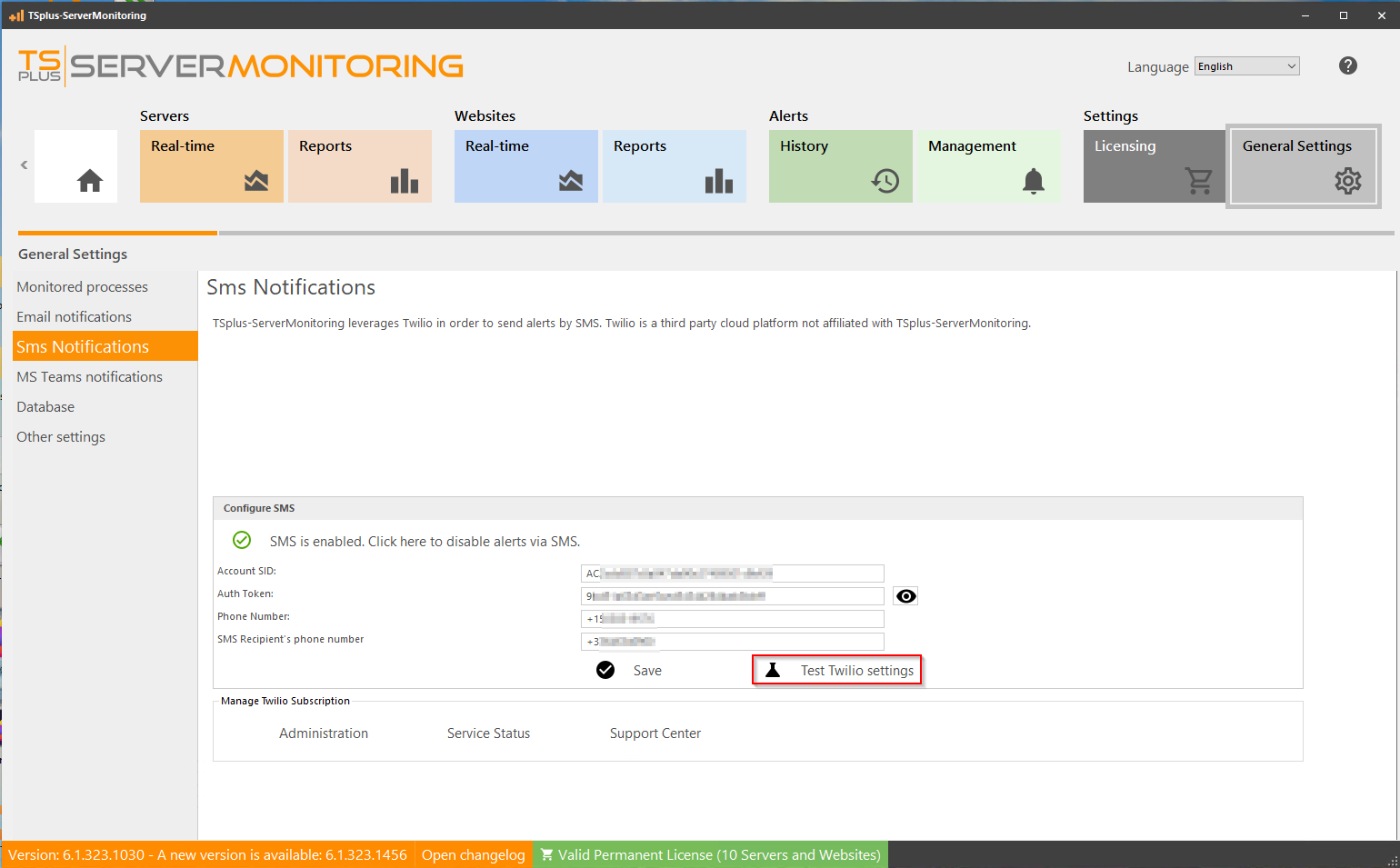
Alerts: added a new channel to send alerts (by SMS with Twilio)
Reports: added a new "Detailed performance" report
Added translations for Czech, Spanish, Finnish, Hungarian, Italian, South Korean, Ukrainian, Dutch, Turkish, Portuguese, and Chinese (zh-CN)
Changed main logo of the application
Database settings: info about database remaining space is now more accurate (takes into account free space on disk, and size limits set by user)
Teams settings: deprecated webhook url field is now hidden if empty
Replaced deprecated dependancies
Fixed agent not starting
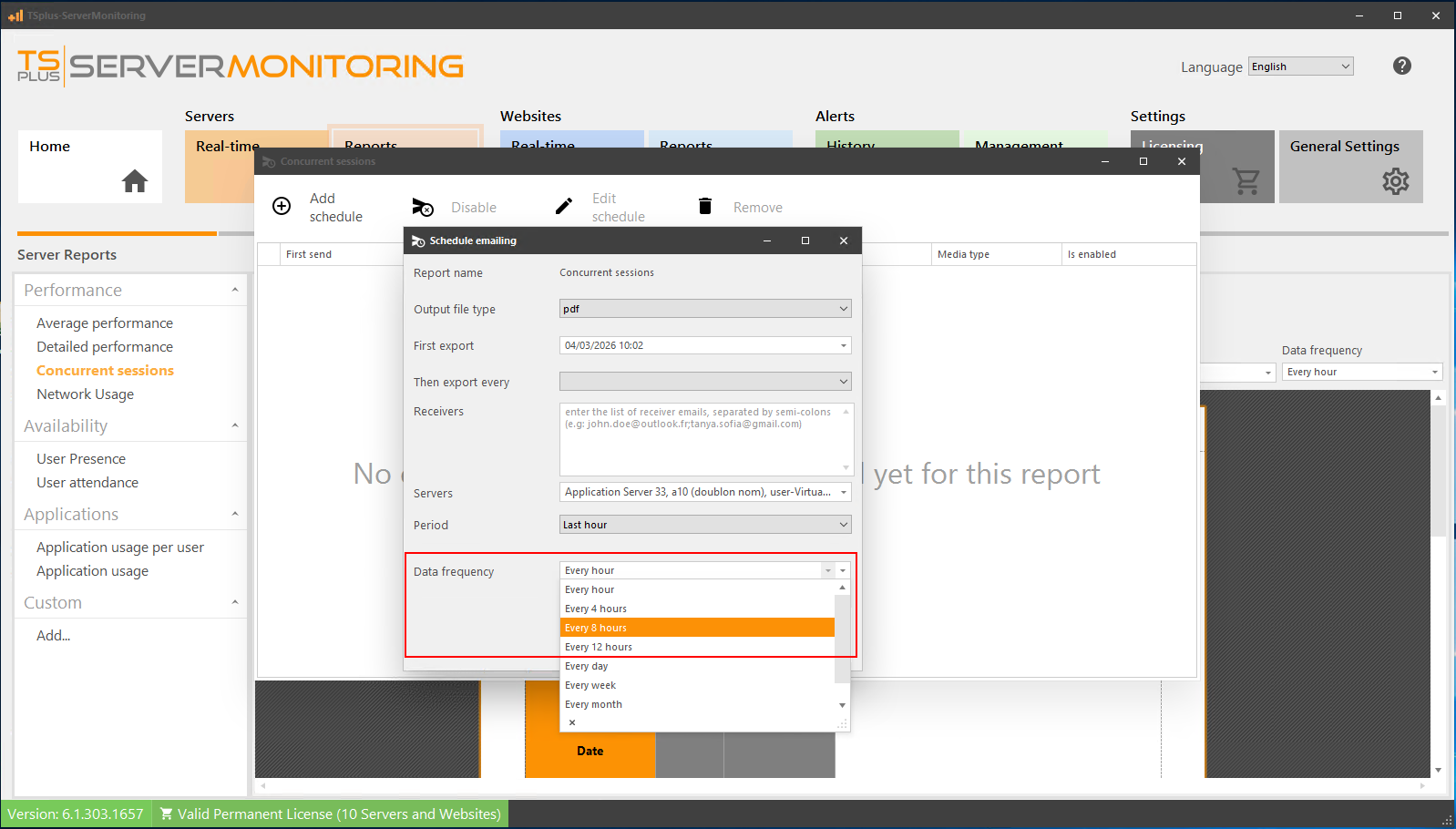
Report scheduling: fixed translations
Server Dashboards: fixed exception
Alert administration: fixed alert name not displaying correctly
Fixed UI glitch when generating logs