
Changelogs

Follow new updates and improvements to TSplus Insights.

TSplus Remote Access - More compatibility, stability, and secure Web access
TSplus Remote Access v19.50.9.22 delivers broader compatibility with the latest Windows Server 2012 R2 and Windows 11 updates, while improving the reliability of application publishing and portal connections. This release also strengthens web security with FIPS support, among other security improvements.


What’s new in TSplus Remote Access

Here is the complete changelog for the TSplus Remote Access 19.50.9.22 release:

Improvements

  • Compatibility: TSplus is compatible with Windows Server 2012 R2 latest updates

  • Web Application Portal: an error message is now displayed and the applications are disabled when no application server of the farm is able to open them

  • Web server (v8.94): W.UniversalPrinterOwnPortLink now defaults to "*" to use the server’s local port and avoid browser port mis‑detection, especially behind proxies

  • Web server (v8.94): Added popup_download_renamed_files (default 3) to control auto‑download on file rename under \tsclient\WebFile; values 0–4 tune or disable the trigger

  • Web server (v8.94): Added temp_file_on_rename_popup (default ".tmp|.temp") to auto‑download when known temp extensions are renamed; can be disabled or extended

  • Web server (v8.94): Added FIPS support for RDP‑style security; enable via W.fipsenabled = "yes" or accept server‑enforced FIPS

  • Web server (v8.94): Enabled salted MAC by default for RDP‑style security when FIPS is off; disable via W.saltedmacdisabled = "yes"

  • Web server (v8.94): Fast‑Path input is reset on each reconnection to wait for client re‑advertisement

  • Compatibility: TSplus is compatible with Windows 11 24H2, 25H2 latest preview updates

Fixes

  • AdminTool: fixed unhandled exception occurring when trying to display the web portal customization

  • Web Application Portal: fixed the application servers assigned to a user being ignored, the portal sent the login without its domain to the farm controller

  • Phone To Session: users who didn't have Web portal 2026 will no longer have phone to session shortcut

  • Web Application Portal: fixed a false "session closed by the application server" alert when the user closes the HTML5 session tab shortly after opening an application

  • Web server (v8.94): fixed several graphic output issues for polling‑based connections (Web socket / native RDP unaffected)

  • Connection Client (v131): fixed embedded client PDF viewer is compatible with x32 and x64 architectures

  • AdminTool: fixed client download link button froze when clicked


Have an idea or issue? To ensure your feedback is properly tracked and addressed, please use our dedicated channels: Support for issues and Feedback for feature requests. Thank you for helping us improve!
TSplus Remote Access - Compatibility with Windows latest updates

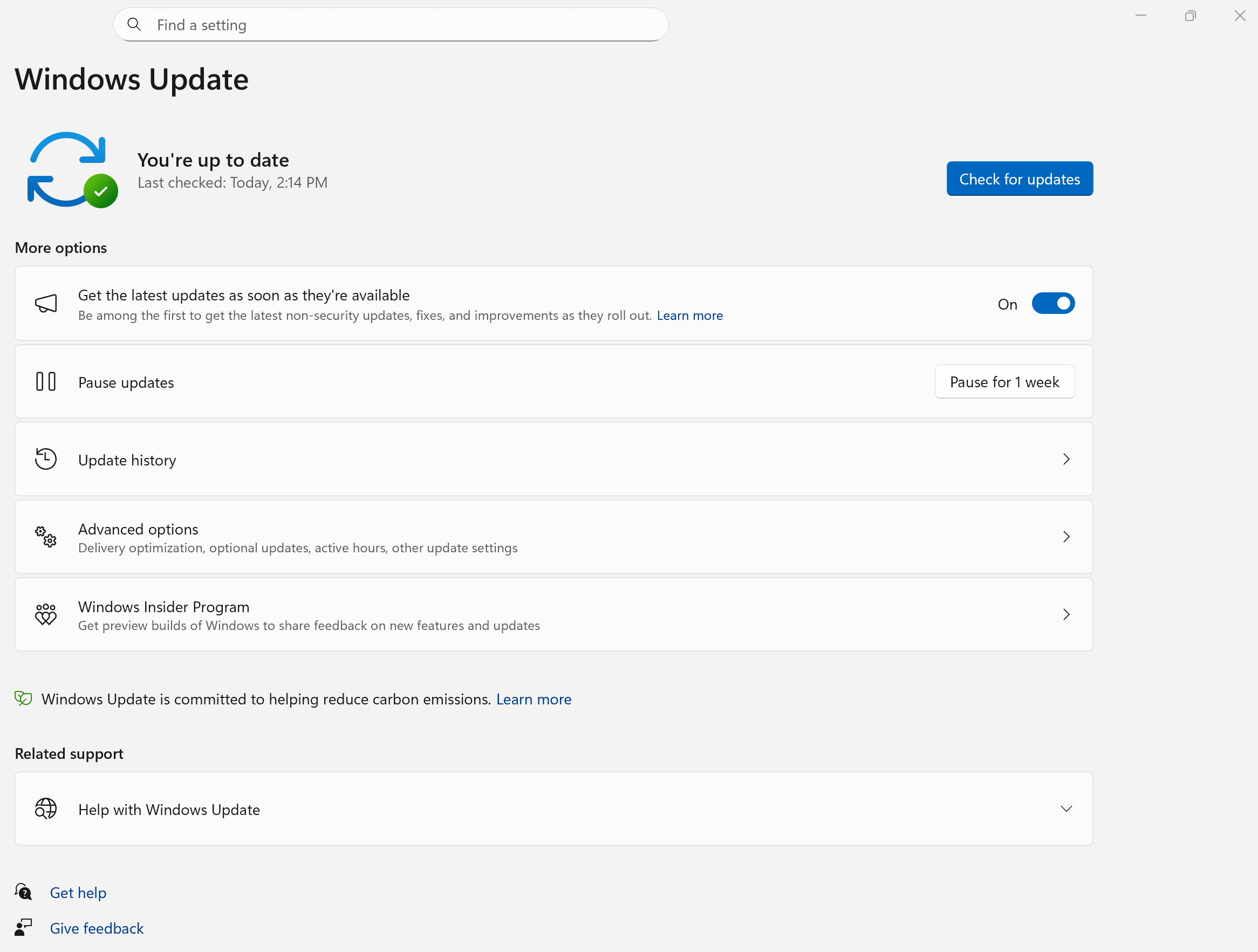
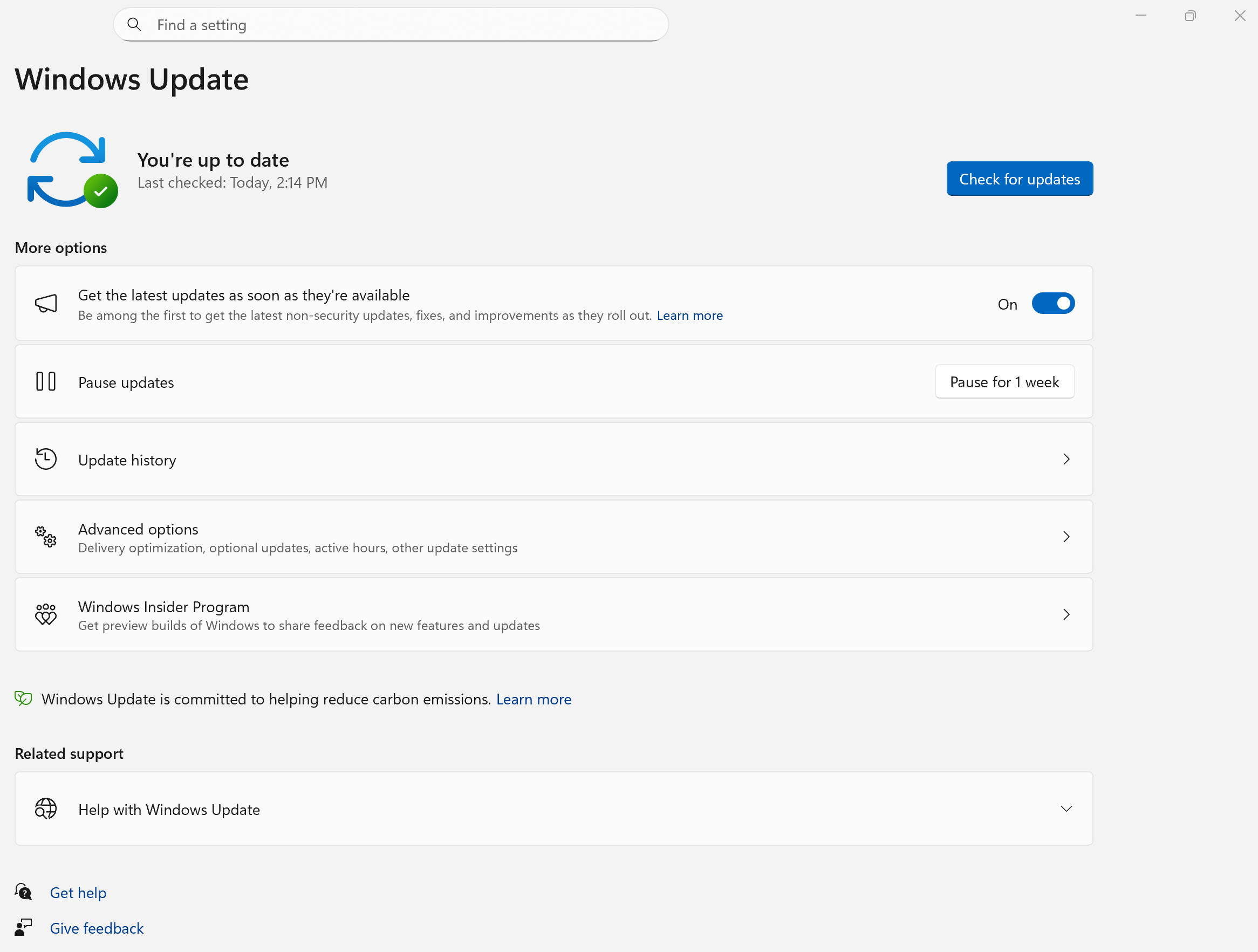
We have added compatibility updates to support the latest updates of Windows 10 1809, 21H2, 22H2, Windows 11 23H2, 24H2, 25H2 and Windows Server 2016, 2019, 2022, 2025 latest updates. These improvements are available in TSplus Remote Access 19.40.9.8, TSplus LTS 18 version 18.2026.9.8 and TSplus LTS 17 version 17.2026.9.8.


What’s new in TSplus Remote Access

We implemented a fix allowing users with names and domains containing special characters such as "&" to login to the web portal.

Here is the complete changelog for TSplus Remote Access 19.40.9.8 release:

Improvements

  • Compatibility: TSplus is compatible with Windows 10 1809, 21H2, 22H2, Windows 11 23H2, 24H2, 25H2 and Windows Server 2016, 2019, 2022, 2025 latest updates

Fixes

  • Web portal: fixed logon failure for user names and domains containing special characters such as "&"

What’s new in TSplus LTS 18 and TSplus LTS 17

All available compatibility updates have been included into TSplus LTS 18 version 18.2026.9.8 and TSplus LTS 17 version 17.2026.9.8.

We have updated OpenSSL library to version 3.5.8 to improve security and follow the current OpenSSL long term support channel.

Additionally, we improved Windows metrics retrieval (CPU/RAM/IO) for faster performance for farm management and load balancing features in TSplus LTS 18.

Finally, printing documents with square brackets in the filename is now possible from HTML5 sessions with TSplus LTS 17.


Have an idea or issue? To ensure your feedback is properly tracked and addressed, please use our dedicated channels: Support for issues and Feedback for feature requests. Thank you for helping us improve

TSplus Remote Access - Compatibility with Windows Server 2025 and 2019 latest updates

We have added compatibility updates to support the latest updates of Windows 10 1809, 21H2, 22H2 and Windows Server 2019, 2025 latest updates. These improvements are available in TSplus Remote Access 19.40.8.11, TSplus LTS 18 version 18.2026.8.11 and TSplus LTS 17 version 17.2026.8.11.


What’s new in TSplus Remote Access

We implemented the feedback we received regarding the new Client Generator, to make it even more useful and easy-to-use.

Here is the complete changelog for TSplus Remote Access 19.40.8.11 release:

Improvements

  • AdminTool: added a warning that disabling the existing web sessions listing prevents Load-Balancing Sticky Sessions from working

  • Client Generator: fixed incorrect authentication level default value

  • Compatibility: TSplus is compatible with Windows 10 1809, 21H2, 22H2, Windows 11 26H1 and Windows Server 2025 latest updates

Fixes

  • Connection Client: fixed 2FA authentication issues caused by a stale domain value reused from the registry when no domain was explicitly specified

  • Admin Tool: fixed restore when open on client extensions have spaces in their description in the registry

  • Client Generator: fixed default values were empty for pc name and serial number in the Security section

  • Web Portal: fixed password expiration alert were not working properly with fine grained password policies

  • Connection Client (v130): fixed new authentication level set from modern client generator was not applied

What’s new in TSplus LTS 18 and TSplus LTS 17

All available compatibility updates have been included into TSplus LTS 18 version 18.2026.8.11 and TSplus LTS 17 version 17.2026.8.11.

Additionally, we Improved Windows metrics retrieval (CPU/RAM/IO) for faster performance for farm management and load balancing features.


Have an idea or issue? To ensure your feedback is properly tracked and addressed, please use our dedicated channels: Support for issues and Feedback for feature requests. Thank you for helping us improve

Earlier updates