
Changelogs

Follow new updates and improvements to TSplus Insights.

Remote Support is not affected by nginx HTTP/2 vulnerabilities (CVE-2026-123007 / CVE-2026-123633)
Dear Customer,

On November 18, 2026, F5 disclosed two critical vulnerabilities in nginx’s HTTP/2 handling (CVE-2026-123007 and CVE-2026-123633, CVSS 9.2). An attacker could use them to run code on an exposed nginx server without logging in.

TSplus Remote Support is not affected.

Why TSplus Remote Support is not affected

Our Remote Support servers only accept HTTP/1.1 connections. HTTP/2 is not enabled, so these flaws cannot be used against our service. You do not need to do anything for TSplus Remote Support. We will also install the nginx update as soon as Ubuntu releases it.

If you run nginx yourself

For example, as a reverse proxy in front of TSplus Remote Access:

  1. Upgrade to nginx 1.30.7 or 1.31.9, or install your Linux distribution’s update when it is available.

  2. Until then, turn off HTTP/2:

    • nginx 1.25.1 and later: add http2 off; to your server blocks.

    • Older versions (including Ubuntu 24.04’s default 1.24): remove http2 from your listen lines.

  3. Reload nginx and check that HTTP/2 is no longer offered. For example, run curl -sI --http2 https://your-server | head -1 (replace your-server with your server’s address). The answer must start with HTTP/1.1, not HTTP/2.

If you have any questions, please contact our Support team.

Best regards,

Thomas Montalcino
CTO, TSplus

Update - November 20, 2026
We have checked our online websites and services. All instances that were vulnerable have now been patched.
Remote Support – Direct connection now works behind more routers

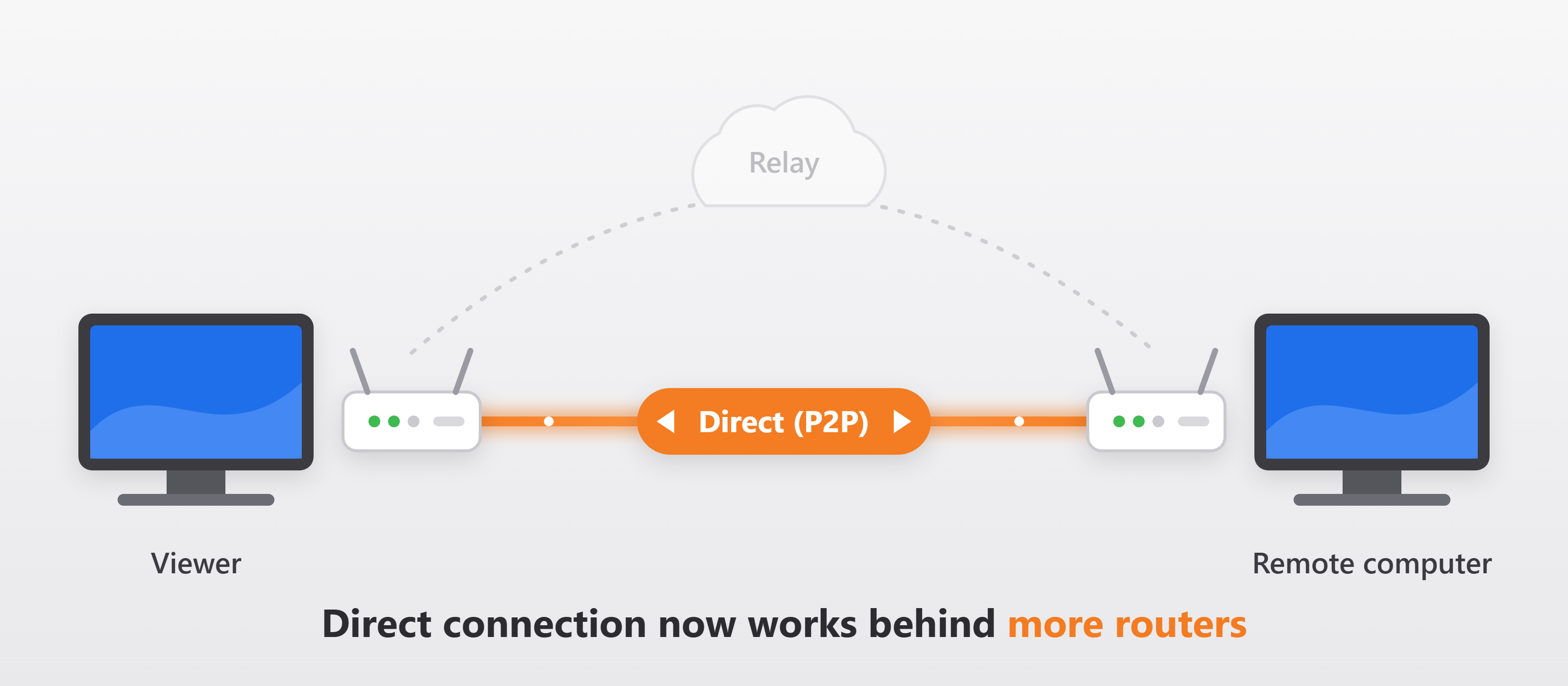
New Remote Support client is out! Direct connection now works behind more routers, so more of your sessions run peer-to-peer for a faster, smoother remote control experience. Windows sessions also stay more responsive when the selected video quality is higher than your bandwidth allows, and the web administration Computers page now keeps online statuses up to date. Full changelog below.

Improvements:

  • Direct connection now works behind more routers

  • Windows: improved responsiveness when the video quality used does not match the available bandwidth

  • Web administration: the Computers page now refreshes the online status of computers automatically every 30 seconds, and a Refresh button allows refreshing it on demand

Fixes:

  • Windows: fixed the viewer sometimes giving up the direct connection right after it was established

Have an idea or issue? To ensure your feedback is properly tracked and addressed, please use our dedicated channels: Support for issues and Feedback for feature requests. Thank you for helping us improve!

Direct Keyboard Mode

Some remote applications use keyboard shortcuts that may be incompatible with the default key transmission mode in Remote Support.

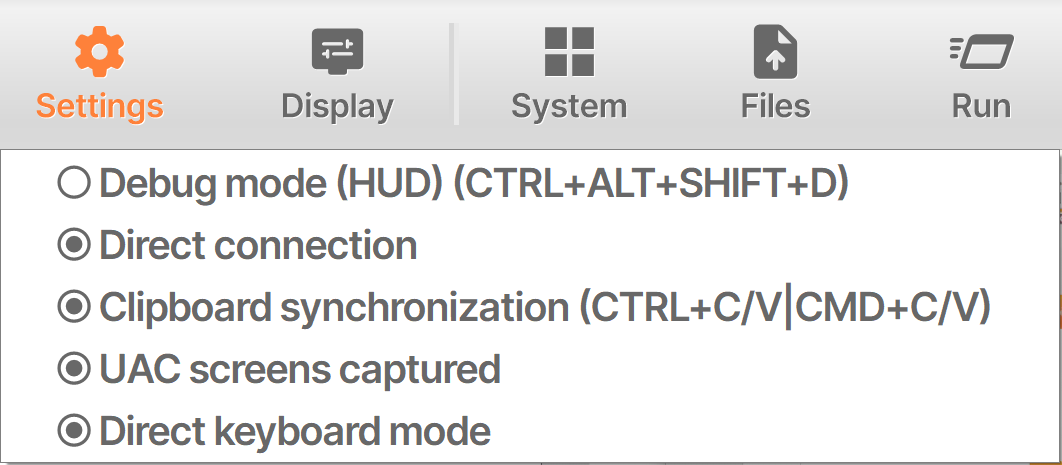
With Direct Keyboard Mode, you can send keyboard input more directly to improve compatibility with your favorite applications.

This mode is available from the Viewer window, in the Settings menu.

Have an idea or issue? To ensure your feedback is properly tracked and addressed, please use our dedicated channels: Support for issues and Feedback for feature requests. Thank you for helping us improve!

Earlier updates